Recipes
Things to text CrewBuddy this week
Each recipe is one text you can send. CrewBuddy writes the draft, the list or the plan, and you take it from there.
New leads
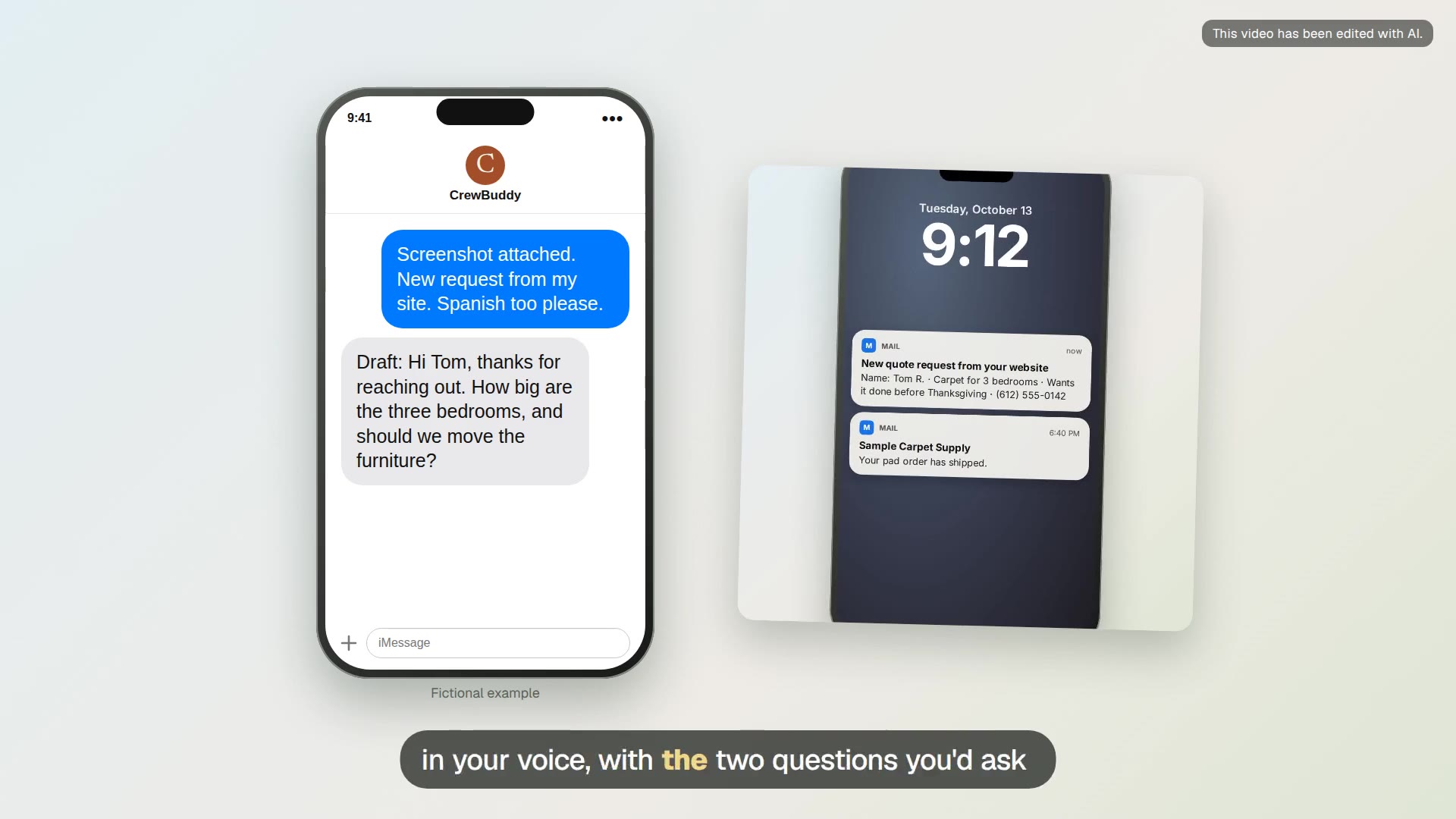
First reply to a new lead
Forward a new inquiry and get a short reply with two questions and a next step, in English or Spanish.

Reply to a missed call
Forward the missed call and what the voicemail said, and get a personal text back with a callback time.

Reply to a Thumbtack, Angi, Yelp or Nextdoor lead
Send a screenshot of a lead-site request or neighborhood post and get a reply to paste into that site.
Estimates and jobs

Quote from your site visit notes
Turn notes or a voice-to-text ramble from the estimate visit into a clear quote with your prices.
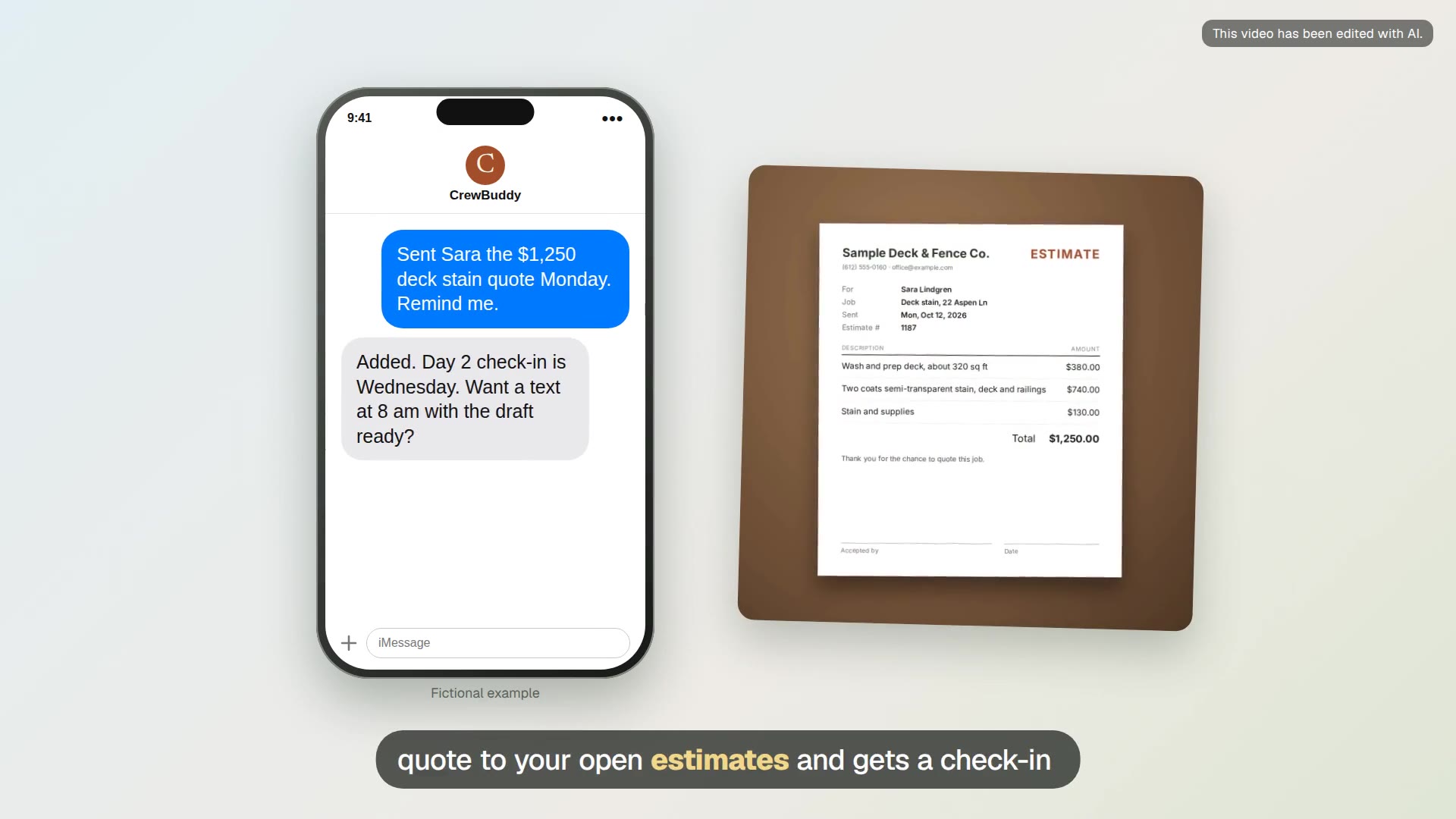
Estimate follow-up schedule
Keep a list of open estimates and get a check-in draft on day 2, day 7 and day 14.

Change order in writing
When a customer asks for extra work mid-job, get a short written change order with your price before you start it.

Explain what your price covers
When a customer says your price is high, get a calm reply that lists what the job includes and asks what matters most.

Job summary from notes and photos
Send the day’s notes and photos and get a customer summary plus a private job record.

Tomorrow check each evening
Text “tomorrow?” in the evening and CrewBuddy reads tomorrow’s jobs from your calendar and points out what is missing before the crew heads out.

Job photos to a materials list and estimate draft
Send walkthrough photos and your measurements, and get a materials list with quantities and an estimate draft priced from your own rates.

Bid documents to a scope summary
Add a general contractor’s bid invite and spec PDFs and get your trade’s scope, the due date, insurance and license asks, and questions to send back.
Reviews and repeat work
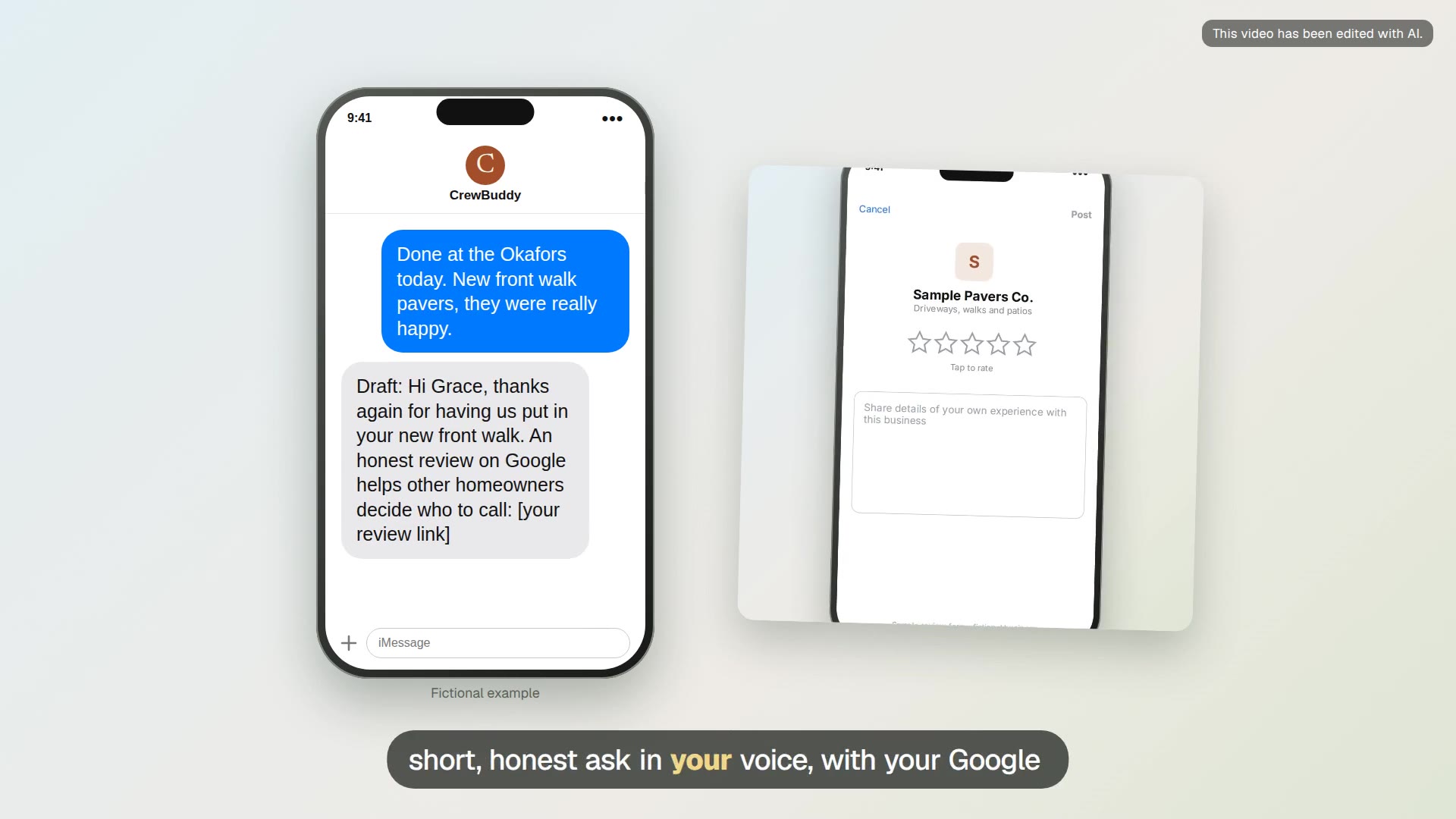
Review request after the job
Tell CrewBuddy a job is done and get a short, honest review request with your Google review link.

Reply to a good review
Send a screenshot of a new review and get a short, specific thank-you to post on your Business Profile.

Reply to a bad review
Get a calm, short reply to a negative review that acknowledges the problem and offers an offline next step.

Seasonal check-in texts
Turn last year’s job list into a reminder plan and personal check-in texts for seasonal work.
Ads in the slow season
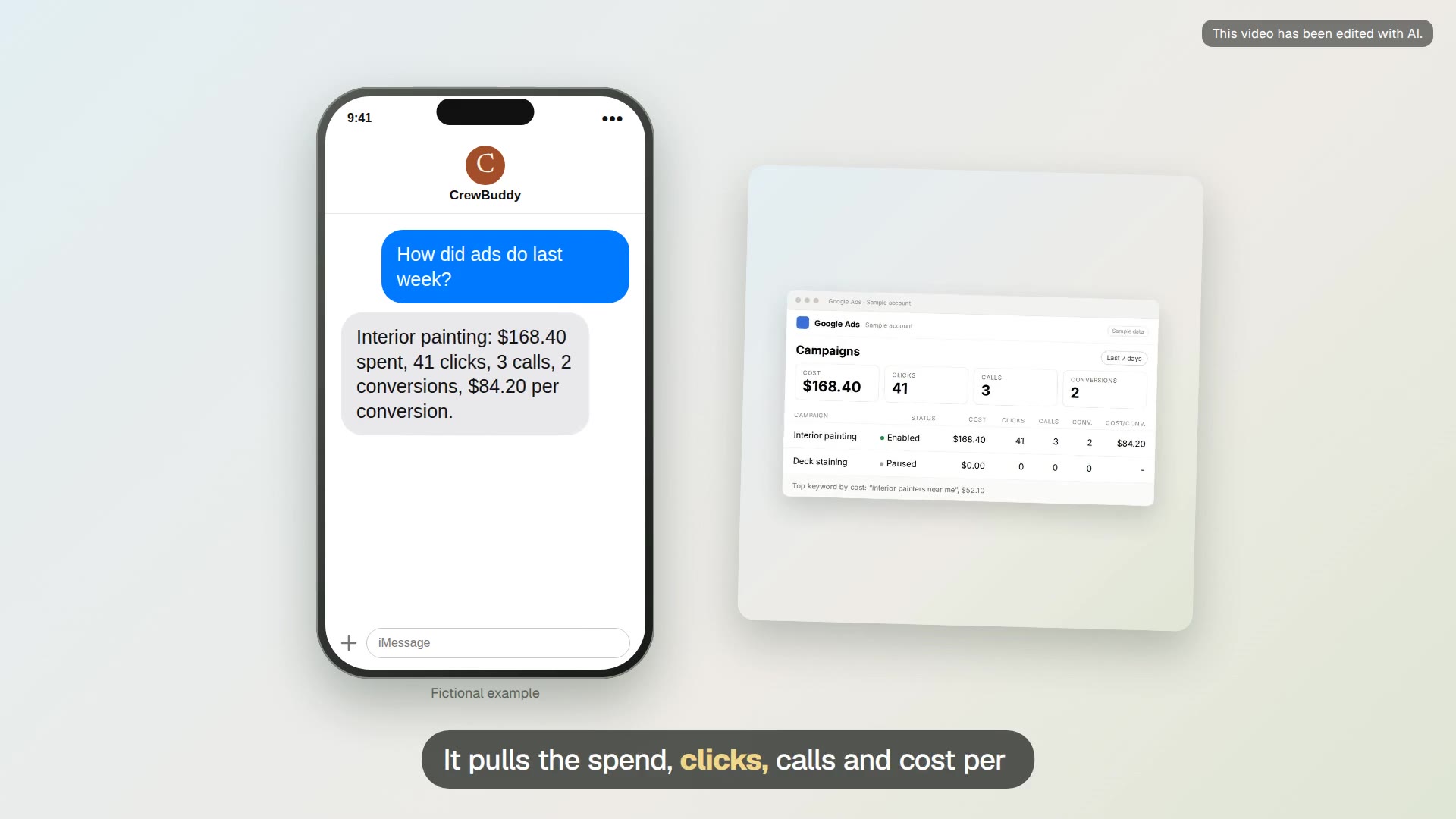
Weekly Google Ads check
Ask what your Google Ads spent last week and what came in, and get the answer in plain numbers.

Junk search cleanup
Find the searches that cost money and were never jobs, then add them as negative keywords.

Slow-season campaign draft
Describe the service, the towns and the daily budget, and get a paused Google Search campaign draft in your account.

Pause ads when you are booked up
Text CrewBuddy to pause a campaign, ad group, ad or keyword when the schedule is full.
Schedule and crew
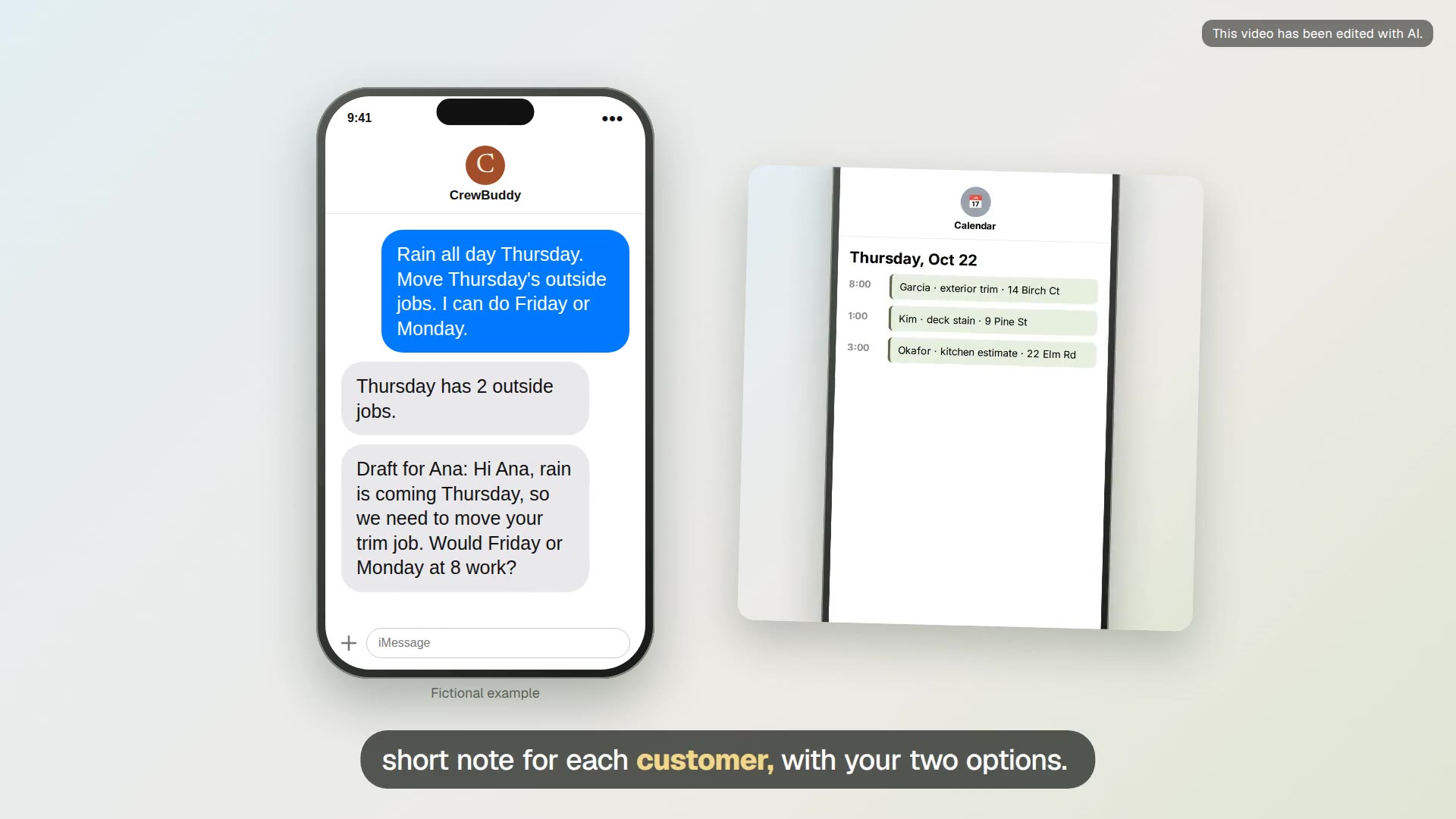
Rain delay texts
Tell CrewBuddy which day the weather moves. It reads that day from your calendar and drafts a short text for each outside job, with the new times you can offer.

Running late text
A job ran long. Tell CrewBuddy who is next and about how late you are, and get a short, honest note with a new arrival time.

Crew plan for tomorrow
Ask for tomorrow’s crew plan and get one short message per crew, with start times, addresses and what to bring, ready to forward.

Supply run list
Get one shopping list for the next few days of jobs, grouped by store, from your job notes and estimates.

Monday weather lookahead for outdoor jobs
Every Monday morning CrewBuddy checks the week’s forecast for the towns on your outdoor job list and texts you which days look risky.

Job scope for the crew, in Spanish
Turn the customer’s quote into a crew sheet in Spanish with an English copy: tasks by room, materials, colors and what not to touch.

Punch list page the crew can check off
A phone page for one job’s punch list that the crew checks off as they go, and CrewBuddy tells you what is left when you ask.
Cold email module (add-on)

Property manager email sequence
Get a short, honest three-step cold email sequence for property managers, built as an inactive draft in Instantly.
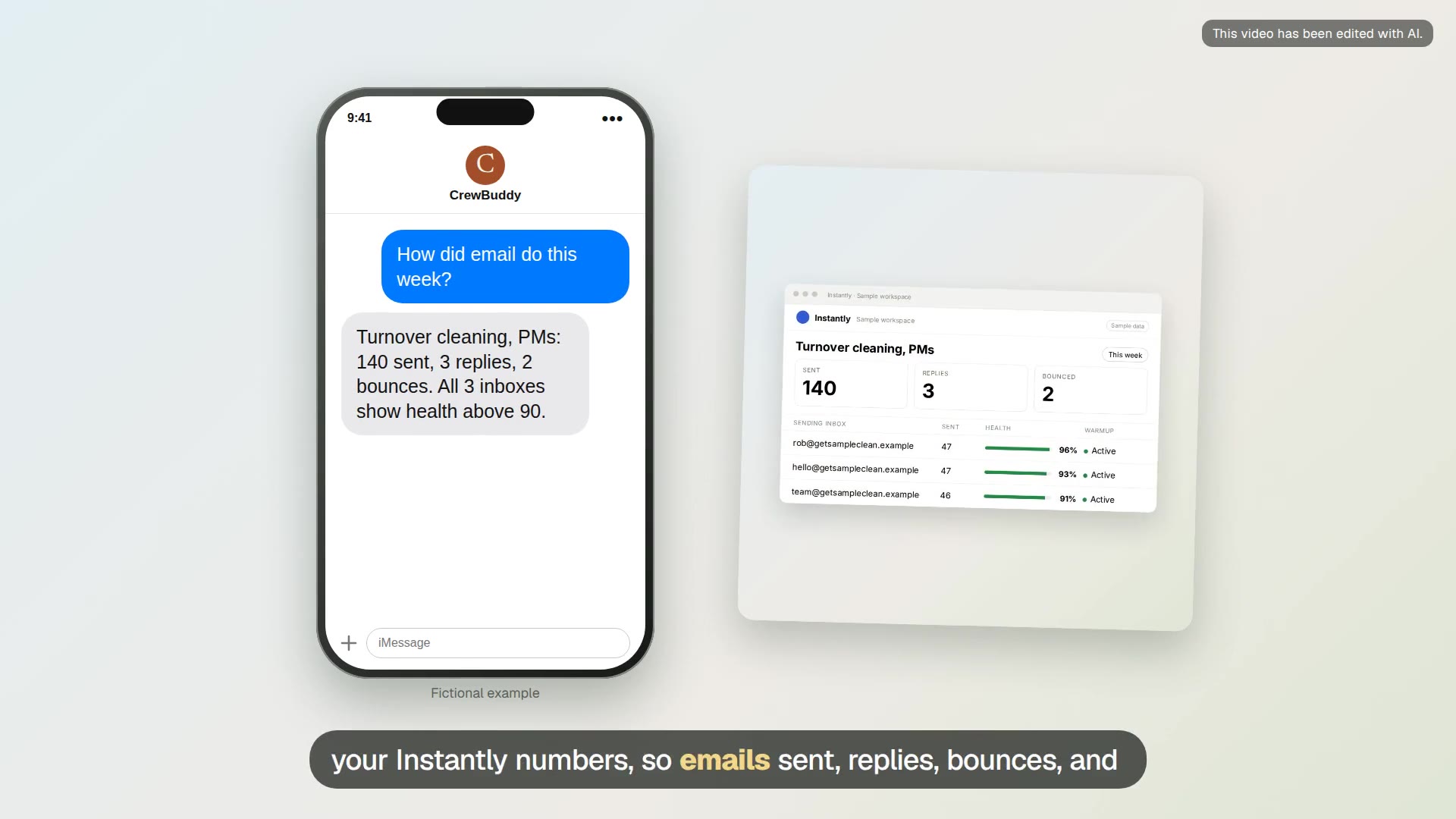
Weekly cold email results
Ask how cold email went this week and get sends, replies, bounces and inbox health in plain words.

Cold email to office managers (module)
Part of the cold email module: a short, honest email sequence to office and property managers for commercial cleaning, built as an inactive draft in your Instantly account.
Back office

Payment reminder
Get a friendly or firmer payment reminder from the invoice details you share, and keep a simple list of what is overdue.

Open quotes from a Jobber export
Send an export or screenshot of your open quotes from Jobber or Housecall Pro and get a follow-up list sorted by what is due.

Google Business Profile post
Get a short Business Profile post and a photo idea from a recent job or a seasonal service, ready for you to post.

Receipt photos to job costs
Send receipt photos as you buy and CrewBuddy keeps a spreadsheet of materials costs by job, ready for your bookkeeper.

License and insurance expiration watch
Send your license card, insurance certificates and your subs’ certificates, and CrewBuddy keeps one list of expiration dates and reminds you ahead of each.
Job site research

Does this job need a permit?
Name the city and the job, and CrewBuddy looks up the local permit rules, fees and how to apply, with links to the city’s own pages.

Supplier price check for a materials list
Send a materials list and CrewBuddy looks up current posted prices at the stores you name, with links, so you can price the job or pick a store.

Manufacturer install instructions lookup
Give CrewBuddy the brand and model and it finds the installation manual and pulls out clearances, venting, electrical and warranty requirements.
Show your work

Before-and-after video from job photos
Add before and after photos to your files and get a short captioned video for your website, Google profile or social posts.

A simple website for your business
CrewBuddy builds a small site with your services, towns, license number and a quote request button, checks it on a phone, and puts it online when you send the code.
Guides
- How fast to respond to contractor leads: Why the first reply to a new lead matters, what to put in it, and how CrewBuddy drafts it while you are on a job.
- Estimate follow-up text templates: Plain follow-up texts for day 2, day 7 and day 14 after you send an estimate, and how CrewBuddy keeps track of the open ones.
- How to get more Google reviews (and the FTC rules): How to ask customers for Google reviews after a job, what the FTC and Google do not allow, and how CrewBuddy drafts the ask.
- Google Ads for contractors in the slow season: How to plan a small Google Search campaign for the quiet months, what to check each week, and what CrewBuddy builds in your account.
- Local Services Ads vs Google Search ads: How Google’s two main ad types for home services differ in how you pay, how you set them up, and how you manage them, and which one CrewBuddy works with.
- Rain delays and reschedules: what to text customers: How to tell customers a job is moving because of weather or a long day, what to put in the text, and how CrewBuddy drafts it from your calendar.
- Cold email to property managers: How contractors and cleaners can reach property managers by cold email with our add-on cold email module in Instantly, what to write, and what we set up and manage.
- Job notes and photos to the customer file: Turn quick job notes and photos into a customer summary and a private job record, without retyping everything at night.
- Missed call text back for contractors: What to text when you miss a customer’s call, how automatic text-back works in phone apps, and what CrewBuddy does and does not do here.
- AI assistant for small contractors: What a texting AI assistant can do for a small painting, flooring, remodeling, cleaning or landscaping business, and what CrewBuddy does today.
- Seasonal maintenance reminders for service businesses: How to remind past customers about seasonal work like gutter cleaning, furnace tune-ups or deck sealing, and how CrewBuddy builds the list and the messages.
- How to reply to Google reviews, including bad ones: What to say when you reply to a good or bad Google review, what to leave out, and how CrewBuddy drafts replies for you to post.
- Negative keywords for contractors: How to find the searches wasting your Google Ads budget, like job seekers, how-to videos and supply searches, and how CrewBuddy checks them each week.
- Do I need a permit? How to check before you quote: How residential permit rules work, which jobs are often exempt, why your town’s own pages win, and how CrewBuddy looks them up for you.
- Job costing from receipts for small contractors: How to see what each job really cost in materials by keeping receipts by job, and how CrewBuddy turns receipt photos into a job cost sheet.
- Working with Spanish-speaking crews: scopes, safety talks and schedules: Practical ways to get job details and safety information to a Spanish-speaking crew, what OSHA expects about language, and how CrewBuddy helps.
- A simple website for a small contracting business: What a small contractor’s website needs, what your state may require on it, and how CrewBuddy builds, checks and updates one by text.