
Between jobs
Draft an HVAC filter check-in
Write a maintenance check-in using the equipment notes and dates you provide.
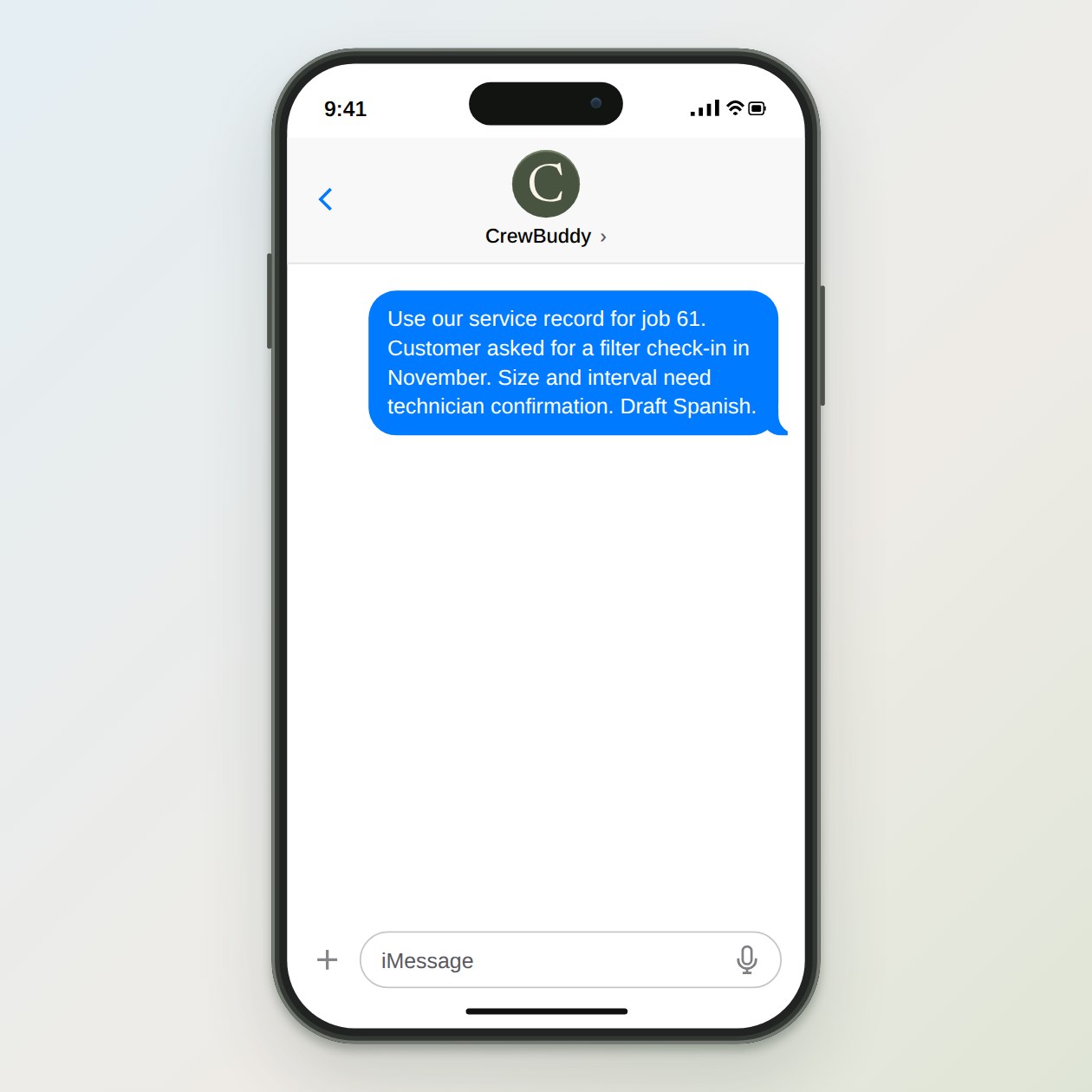
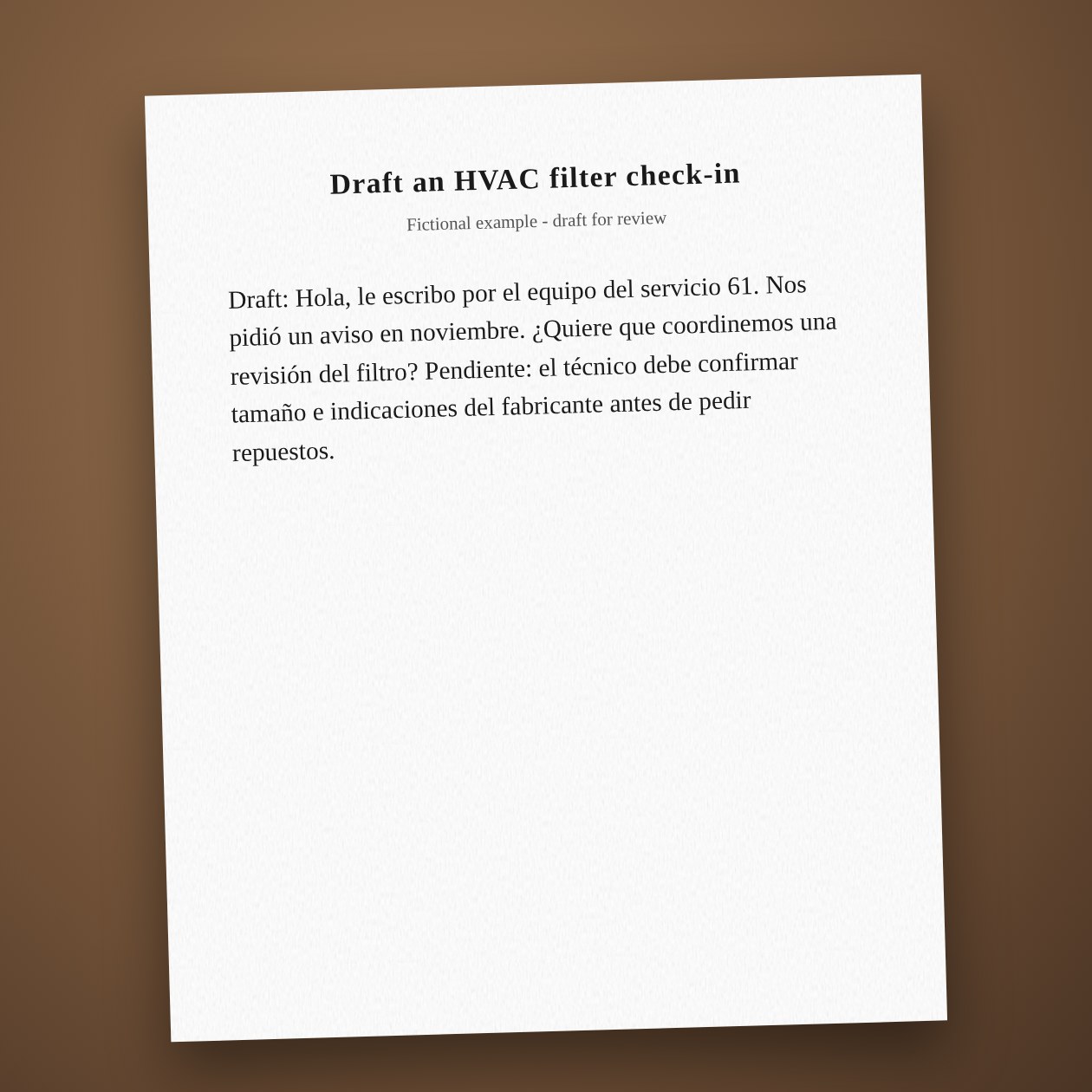
Fictional example.
Use the service record
Include the unit location and the customer's preferred language. Keep model and serial numbers in the private job file. If the customer describes smoke, a gas smell or another immediate hazard, use your emergency procedure rather than a routine maintenance reminder.
Keep the appointment tentative
A reminder asks whether the customer wants help. It does not say a technician is booked or a part is available. Log the reply in ServiceTitan or your current job system, then confirm a time through the process your office uses.
Connections: ServiceTitan, Google Calendar.
What you send
The equipment record, manufacturer guidance, last service date and approved contact timing.
What CrewBuddy prepares
A short check-in that names the equipment and asks whether the customer wants a visit.
What to keep in mind
Do not infer a replacement interval, filter size or equipment fault from a photo.