
Between jobs
Track subcontractor W-9 collection
Track requested and received forms without putting tax numbers in a crew chat.
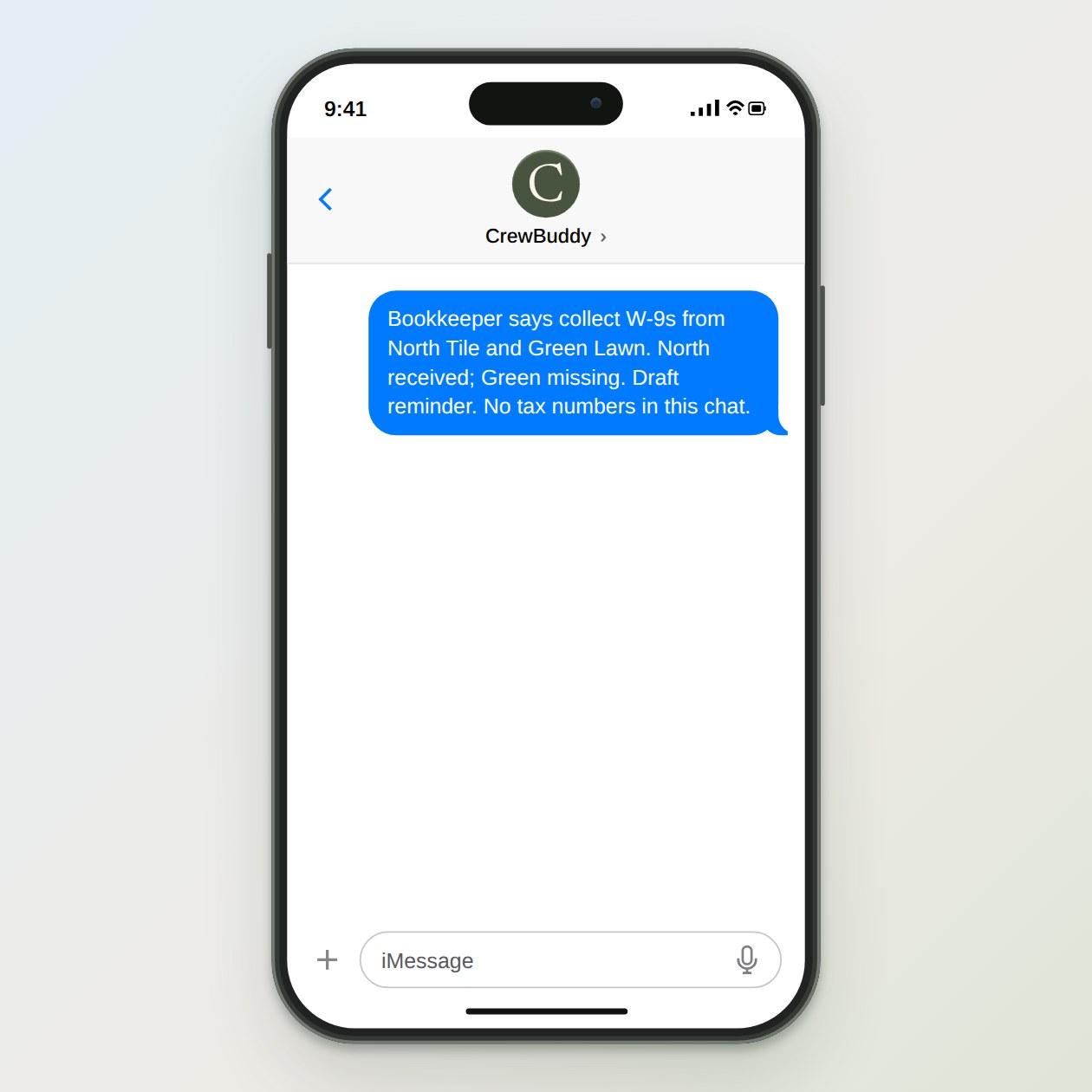
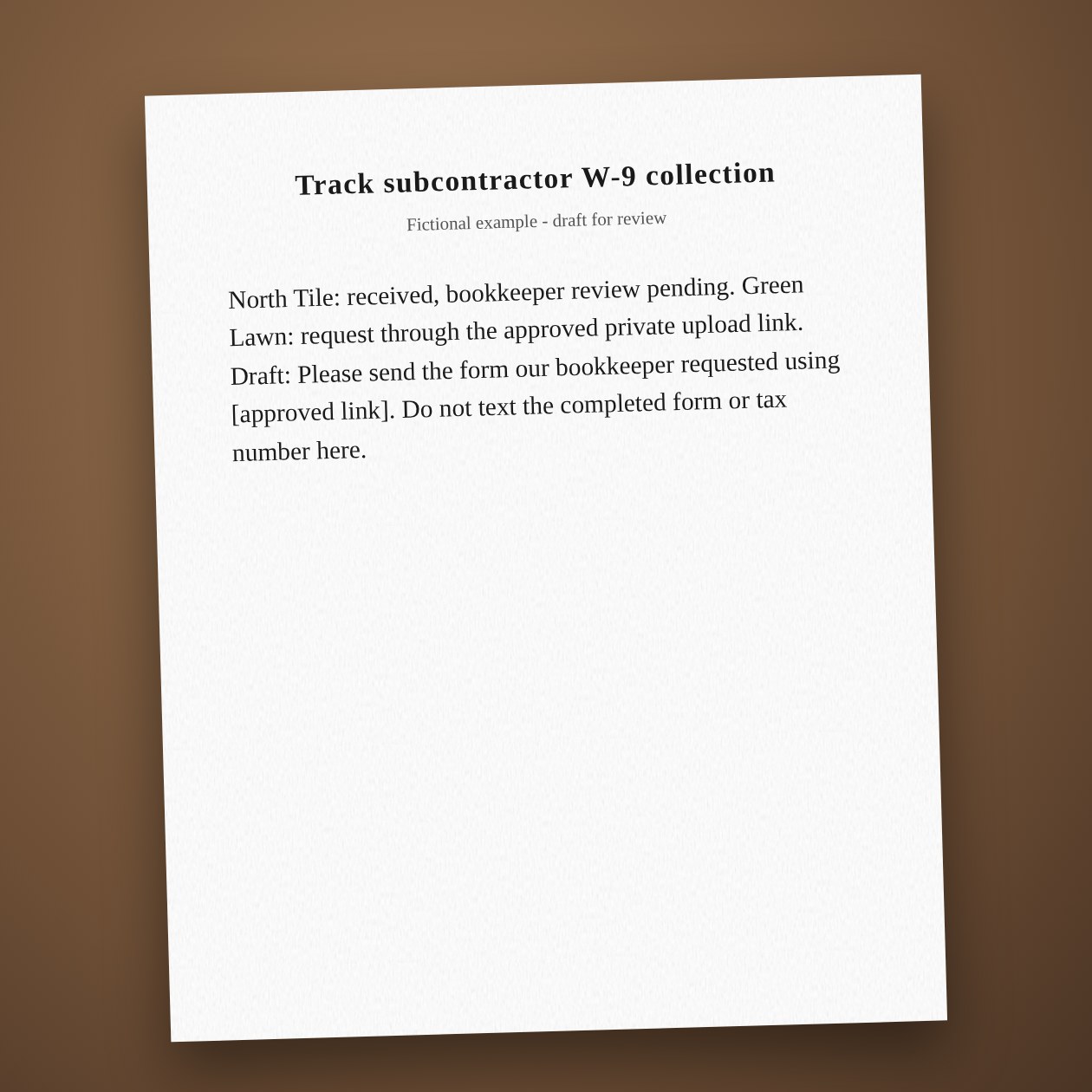
Fictional example.
Keep the tracker small
Use name, request date, received status and person responsible for review. Leave taxpayer numbers, signatures and the completed form out of the shared tracker. A form marked received has only arrived; it has not been checked for accuracy or accepted by your bookkeeper.
Use the approved collection route
Ask your bookkeeper where completed forms belong and who may open them. Use that restricted process rather than a public folder link or group message. CrewBuddy drafts the request and tracks status; it does not determine worker classification, filing duties or tax treatment.
Connections: Gmail, Google Drive.
Sources: IRS Form W-9 requester instructions
What you send
Subcontractor names, your bookkeeper’s approved upload link, and received-or-missing status only.
What CrewBuddy prepares
A status checklist and a short request directing each person to the approved collection process.
What to keep in mind
Collection only. Your bookkeeper decides which forms are needed and reviews their contents.