
Between jobs
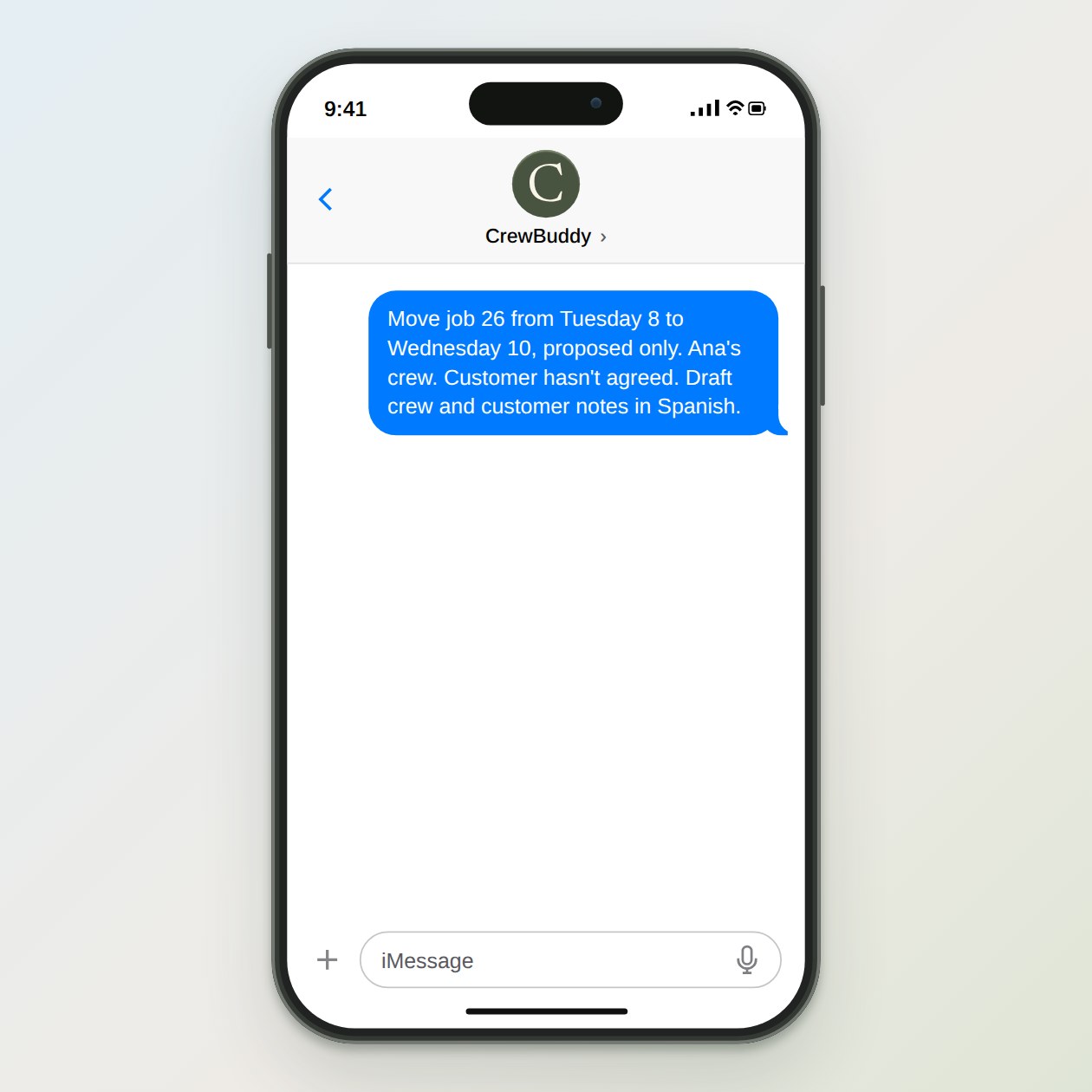
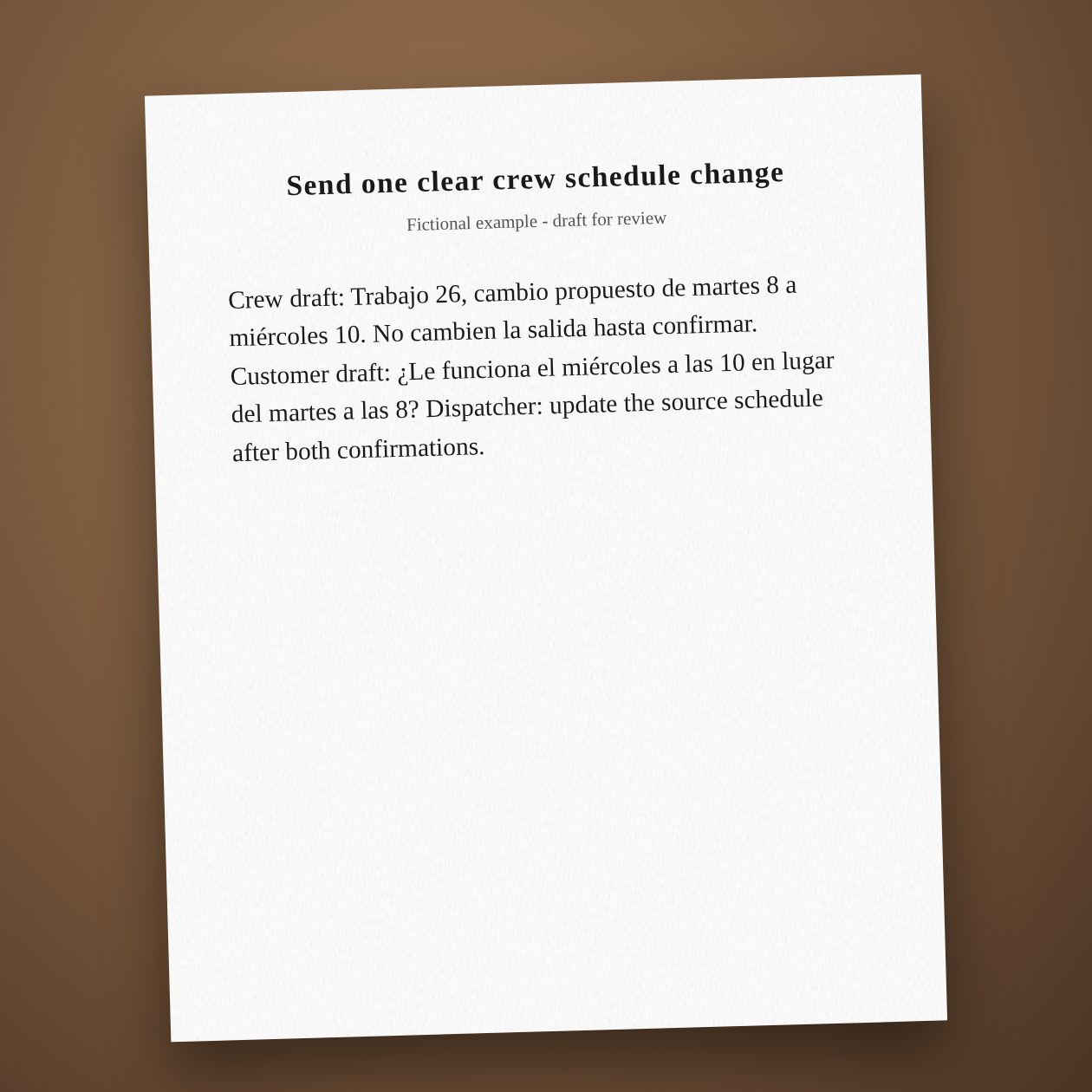
Send one clear crew schedule change
Show the old time, new time and who still needs to confirm.
Fictional example.
Give the change a clear status
Write proposed or confirmed beside the new time. Include the job number so a forwarded text still makes sense. Keep customer contact information in the private schedule rather than a broad crew chat. Ask the crew lead for a short acknowledgment instead of assuming the message was read.
Change the source once
The person responsible updates Jobber, Housecall Pro or your calendar after the plan is agreed. CrewBuddy can draft both messages and list the confirmations, but reading an old calendar feed does not prove the change is saved. Check the latest record before the crew leaves.
Connections: Google Calendar, Housecall Pro, Trello.
What you send
The old plan, proposed new window, crew assignments and customer confirmation status.
What CrewBuddy prepares
A crew message, a separate customer draft and a list of unconfirmed changes.
What to keep in mind
The calendar link is read only. The dispatcher must update the source schedule.