
Between jobs
Make a before-and-after photo album
Pair job photos and write captions without changing what the pictures show.
Fictional example.
Match the same view
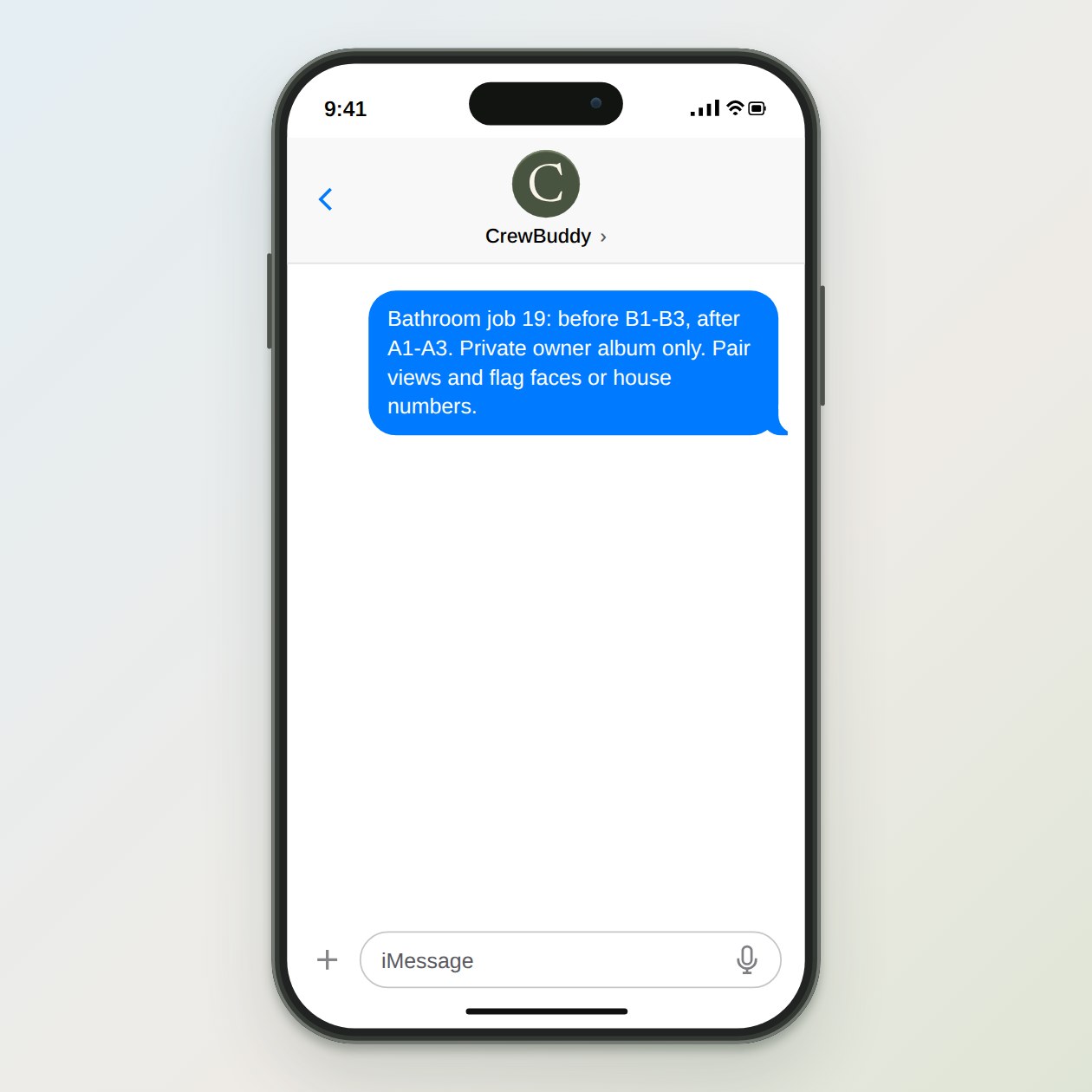
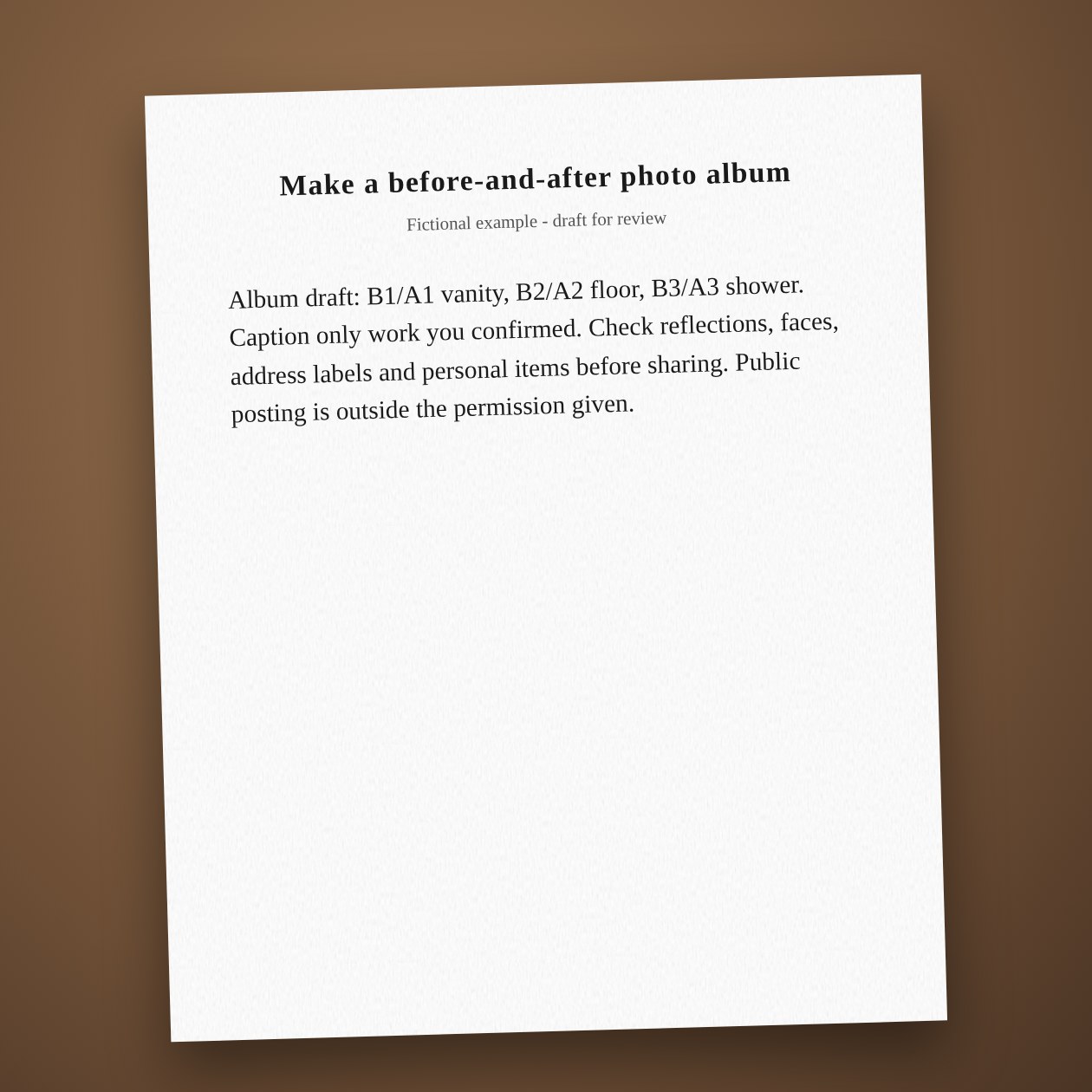
Use the same room and angle where possible. If you cannot identify the before view, label it unpaired rather than guessing. Do not add a completion date or material claim unless it is in the job notes. Keep unfinished punch-list areas out of any claim that the whole job is complete.
Share only the reviewed set
Create a separate customer album or folder with the selected images. Check the recipient permissions before sending the link. Canva may help lay out an approved album when configured; a design export still needs your review for readable captions and private details.
Connections: Google Drive, Canva, Dropbox.
What you send
Labeled before and after photos, job notes, and permission for the intended use.
What CrewBuddy prepares
An album order, plain captions and a list of private details to remove before sharing.
What to keep in mind
Permission for a private handoff does not automatically include advertising use.