
Between jobs
Check a Square deposit before booking
Compare the customer’s message with the invoice record before promising a start.
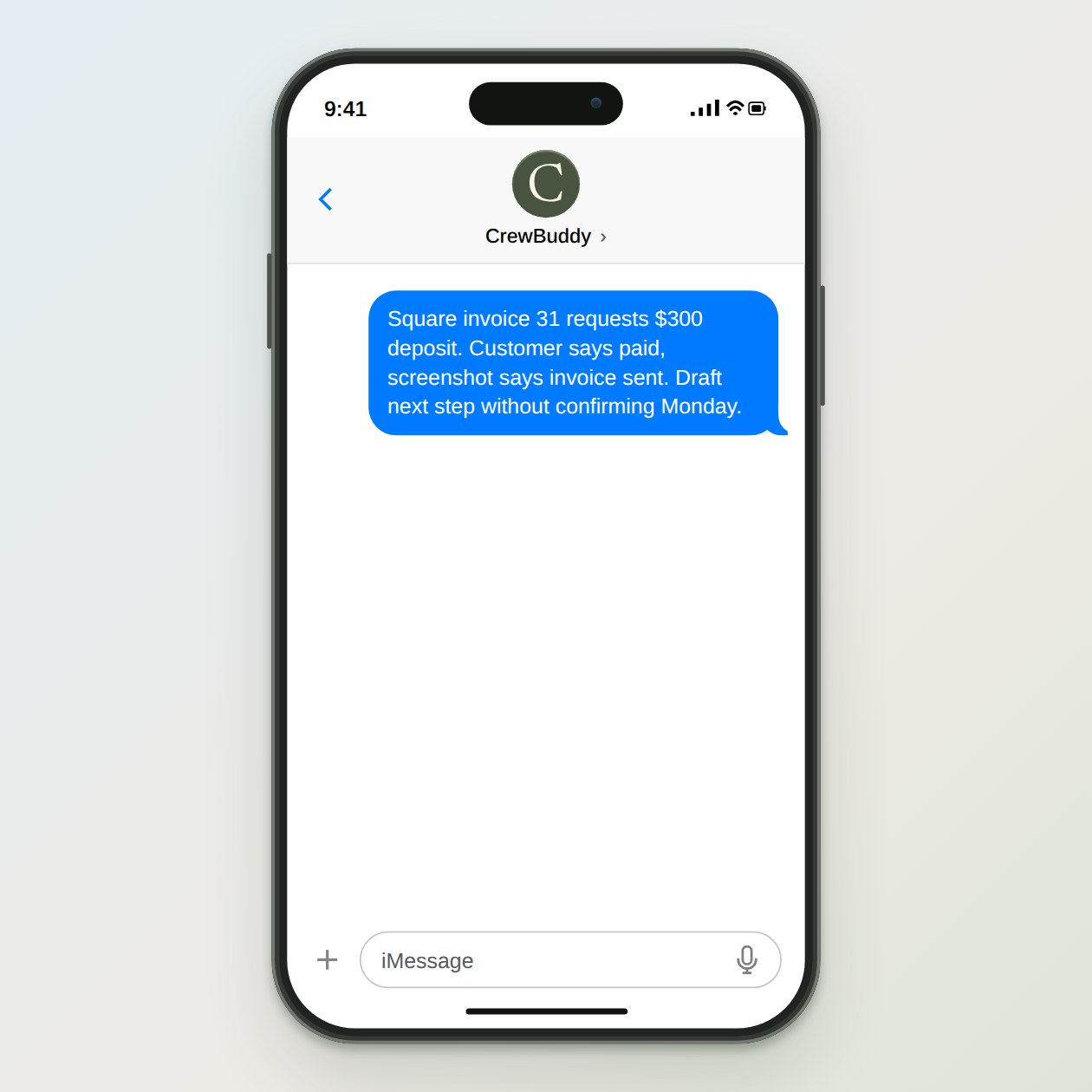
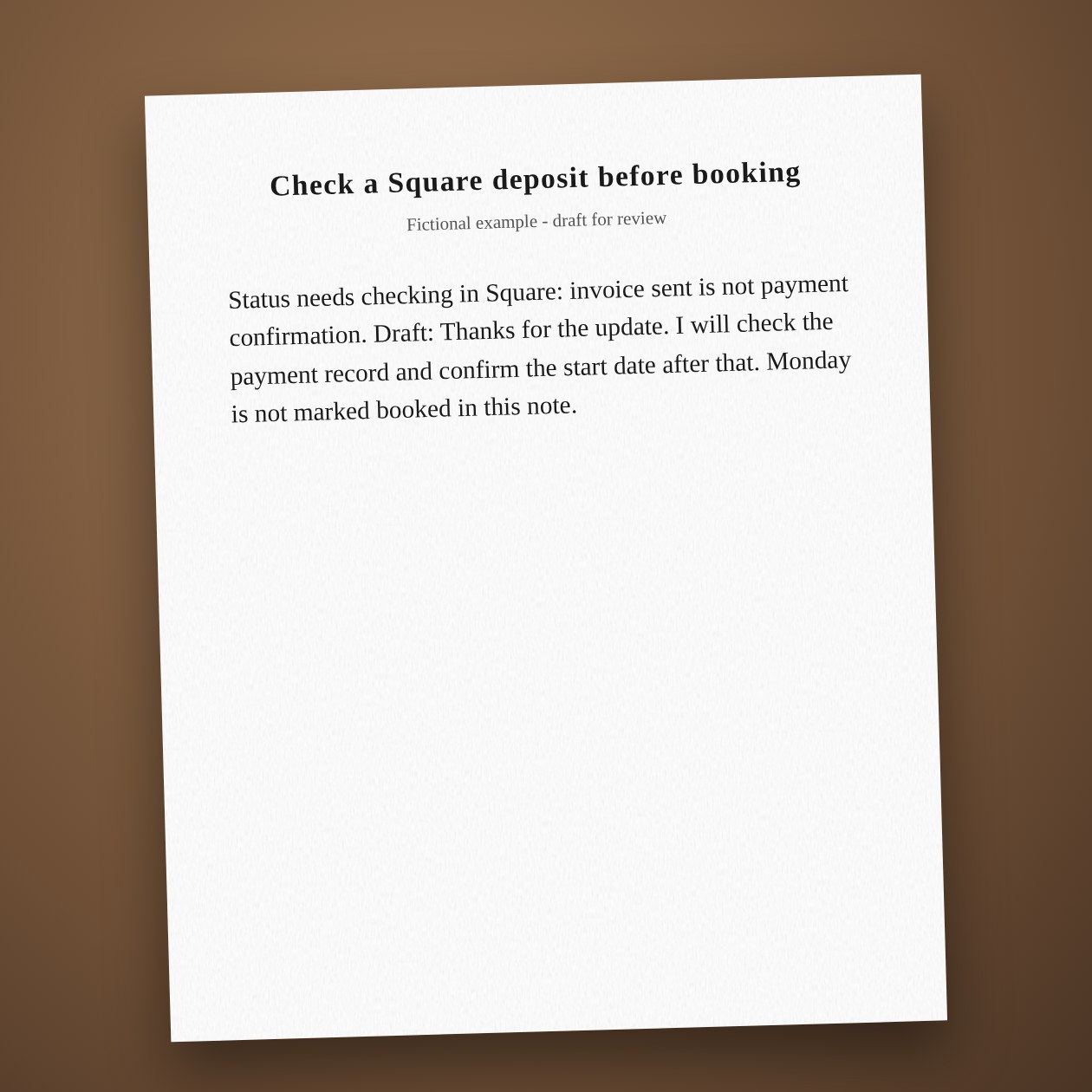
Fictional example.
Read the payment record
Ask whoever handles the account to check the latest invoice and transaction status. Match the invoice number rather than only the customer's name. Keep card details out of the message. If the deposit differs from the agreed amount, ask the owner to resolve it before booking.
Update the schedule separately
Once payment and availability are confirmed, enter the real booking in your scheduling system. A Square invoice and a read-only calendar feed do not by themselves hold a crew slot. CrewBuddy can draft the customer confirmation using the date you have checked.
Connections: Square, Google Calendar.
What you send
The invoice number, current Square status, agreed deposit and the customer’s message.
What CrewBuddy prepares
A deposit-status note and a reply that leaves the start date unconfirmed when payment is unclear.
What to keep in mind
A screenshot saying sent is not proof of a settled payment. Check Square directly.