
Between jobs
Check a slow-season offer before advertising
Compare your real crew capacity and service limits with the words in an ad draft.
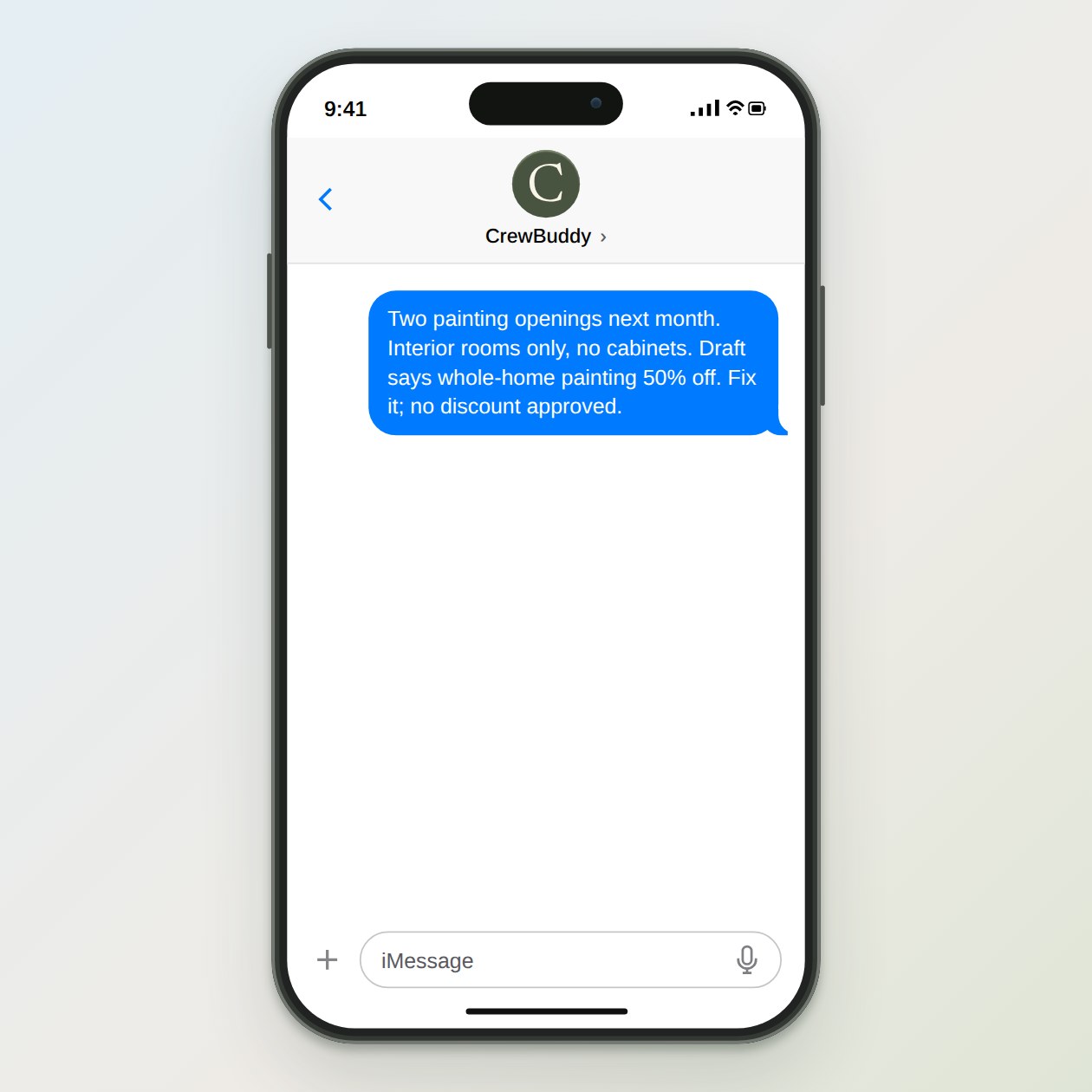
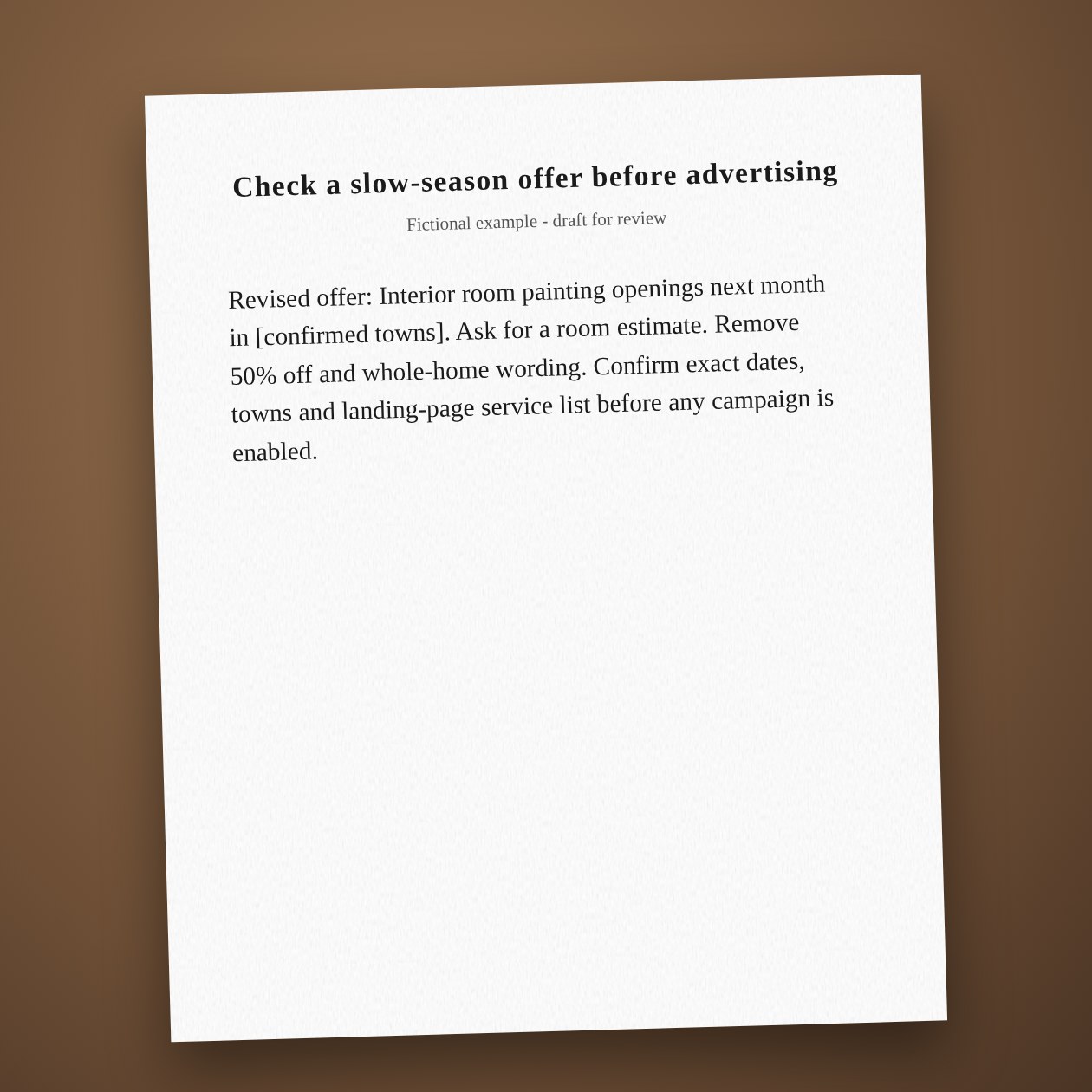
Fictional example.
Sell the work you can take
Start with openings your crew can actually cover. Use one service and a clear area before adding more offers. If you do not have a real discount, leave it out. CrewBuddy can compare the offer with your Business Brief and flag services or dates that do not match.
Check the next step
Open the landing page and check the phone number and estimate request. Google Search campaign drafts stay paused under the existing ads module. Canva can help prepare a separate flyer when connected. Neither a flyer nor an ad report tells you how many jobs will close.
Connections: Google Ads, Canva.
What you send
Available dates, services, service area, real prices and the draft offer.
What CrewBuddy prepares
A corrected offer draft and a list of claims that need your confirmation.
What to keep in mind
Ad spend and setup are separate. A draft does not promise demand or booked jobs.