
Between jobs
Check your Google review link
Make sure the review request points to your own business before using it.
Fictional example.
Test the destination, not just the code
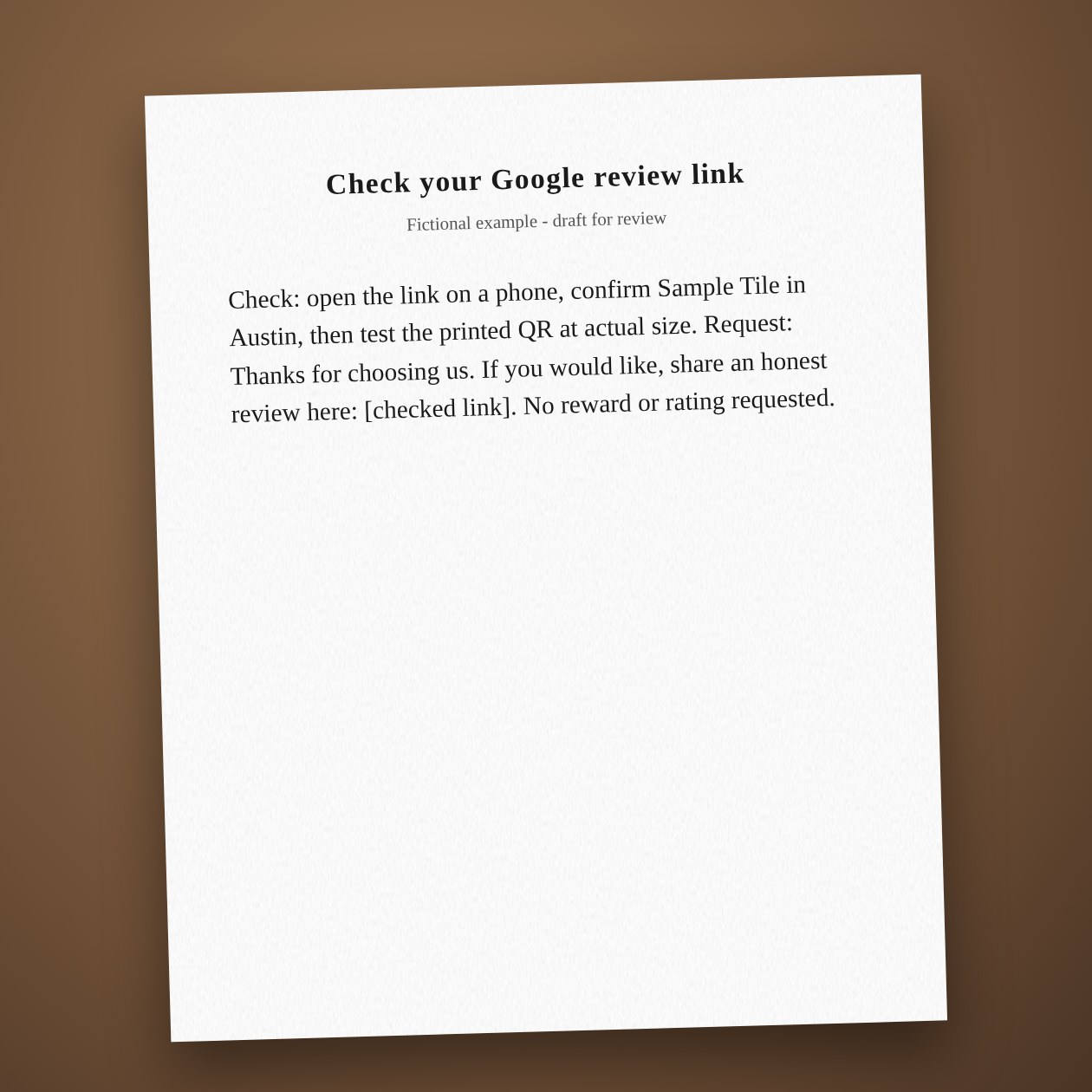
A QR image can scan perfectly and still open the wrong location. Check the business name and city after the link opens. Google provides a review link or QR code from the profile. Keep a dated copy of the one you used so old cards can be replaced when needed.
Ask for an honest experience
Use the same neutral invitation for customers with different experiences. Do not offer a discount, ask for five stars or use a satisfaction survey to decide who gets the Google link. A customer needs a Google account to leave a review; the request should stay optional.
Connections: Google Business Profile.
Sources: Google review links and requests
What you send
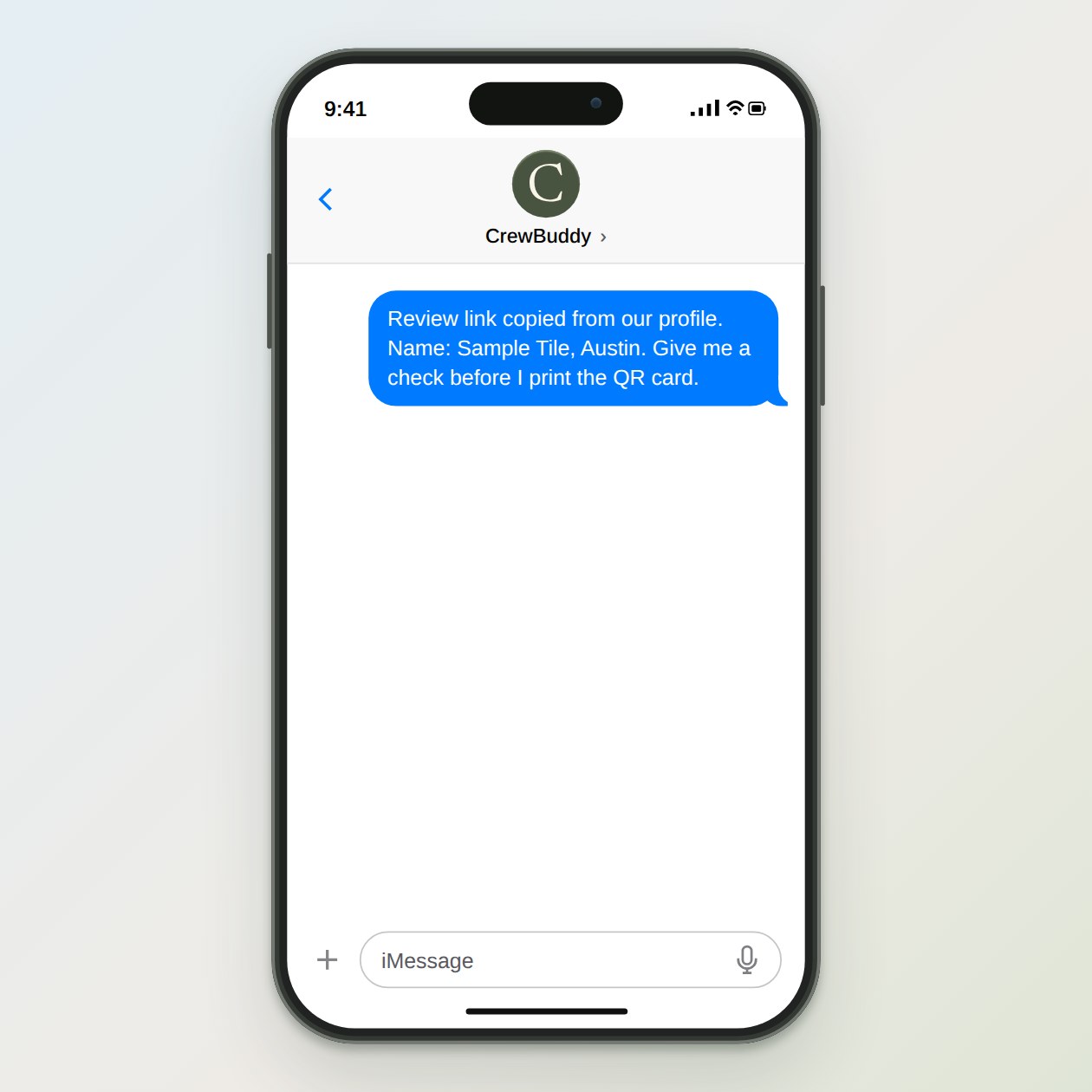
The review link copied from your Business Profile and the exact business name and location.
What CrewBuddy prepares
A link-check checklist and a short neutral request with the checked link.
What to keep in mind
The owner must test the destination. CrewBuddy cannot promise that Google will display a review.