
Between jobs
Check a landscaper’s visit order
Build a proposed visit order around real arrival windows and crew limits.
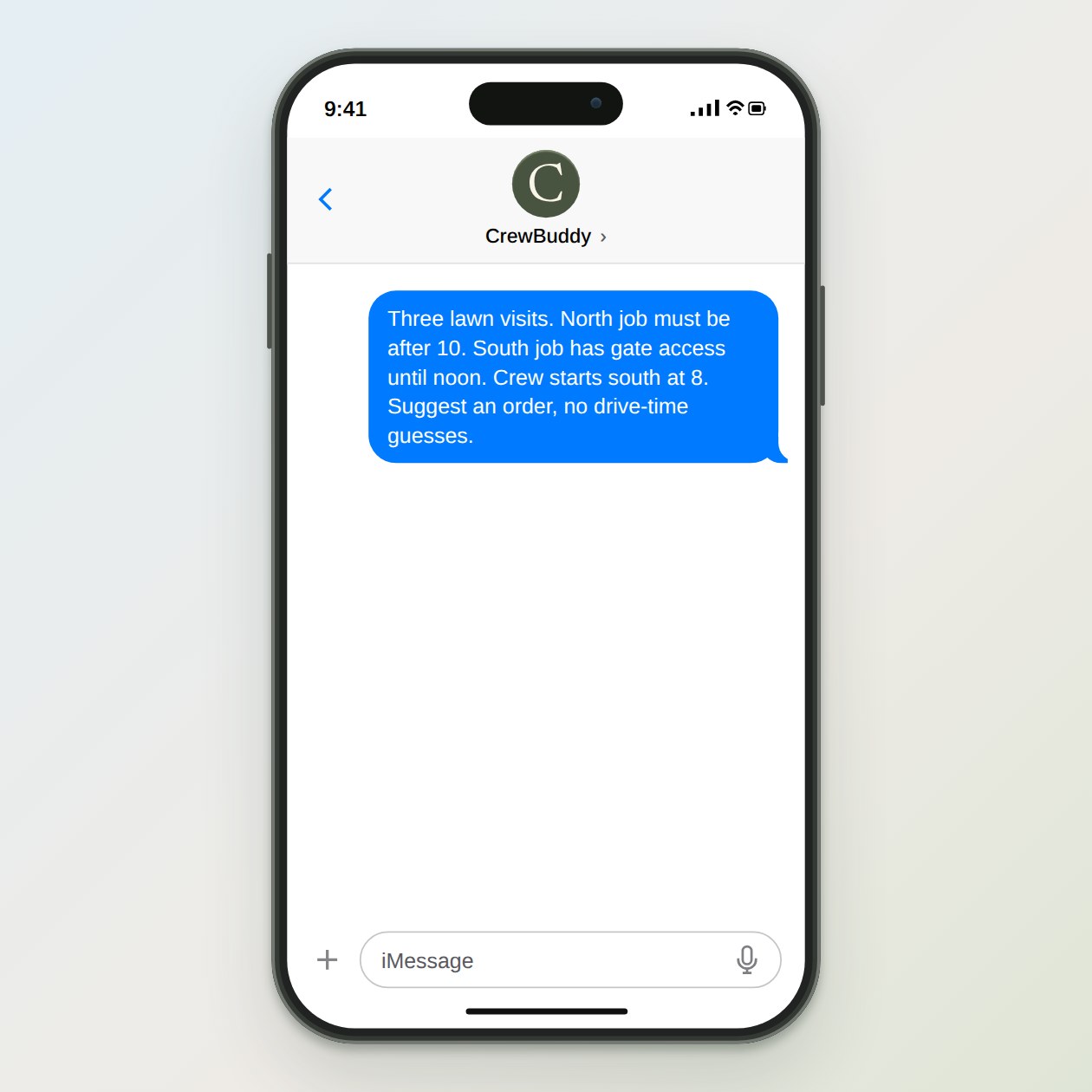
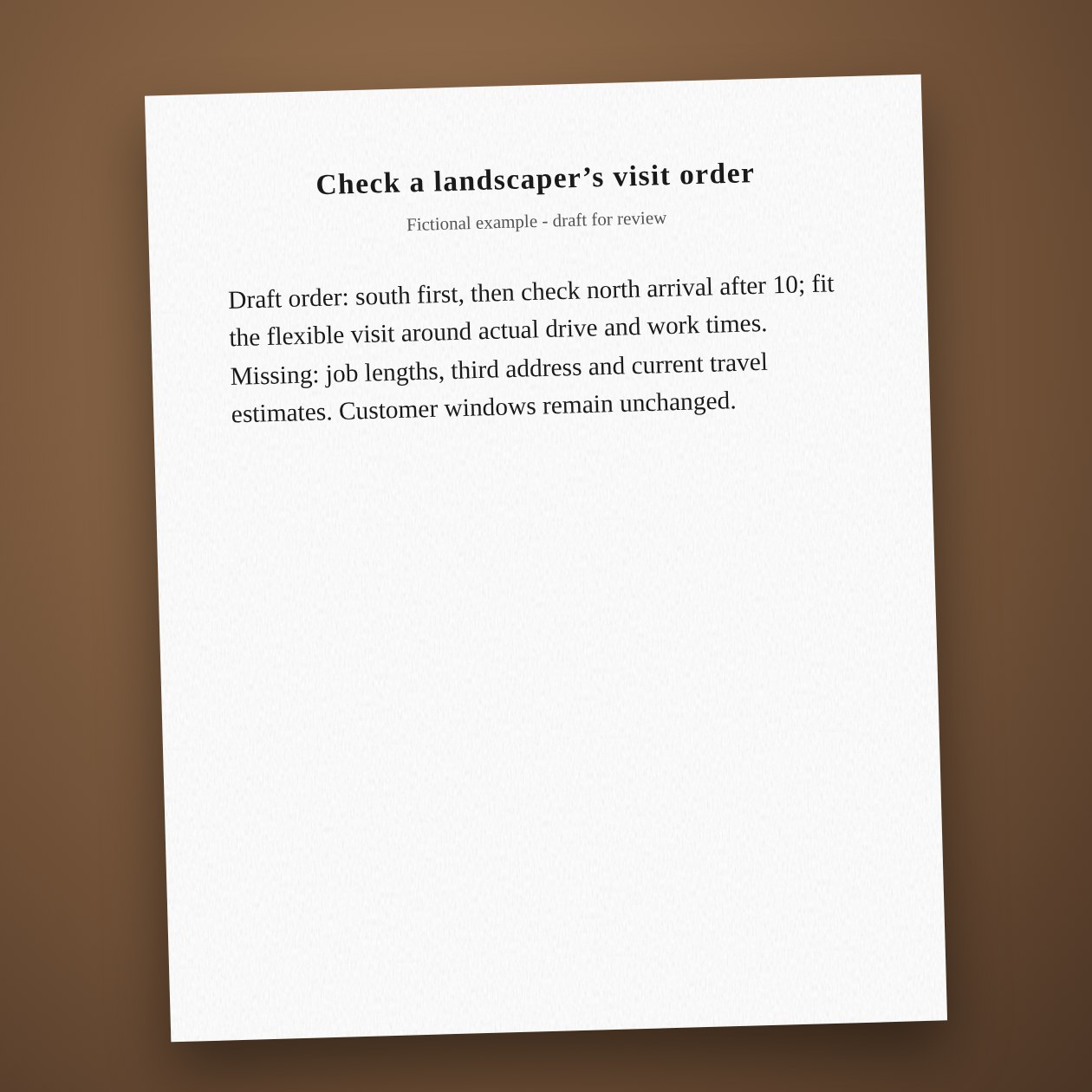
Fictional example.
Make fixed windows visible
Mark gate hours, customer access and material pickups separately from preferences. A note saying morning is not the same as a confirmed arrival window. Read back the constraints before sending a route to the crew, especially when one crew carries equipment needed at another stop.
Use the actual calendar
CrewBuddy can compare a shared schedule with the read-only calendar link you configured. It does not move events through that link. Save the reviewed plan, then have the dispatcher update the booking system and confirm affected customers separately.
Connections: Google Calendar, Housecall Pro.
What you send
Job addresses, promised windows, estimated job lengths and the crew’s starting point.
What CrewBuddy prepares
A proposed stop order with conflicts and unconfirmed travel times listed.
What to keep in mind
This is a planning draft. Check current traffic and access before changing customer times.