
Between jobs
Record a change with job photos
Turn a site photo and your notes into a clear change record for review.
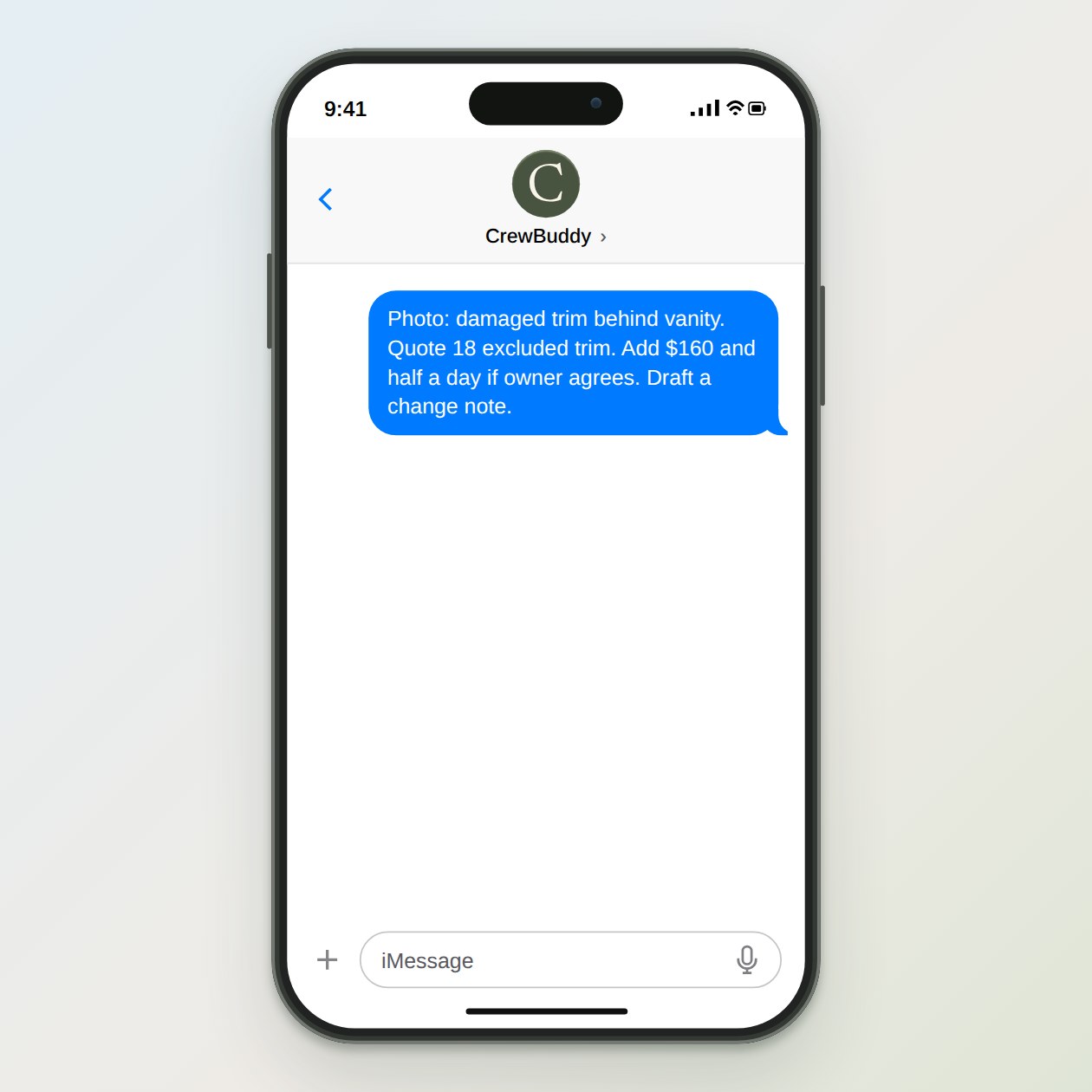
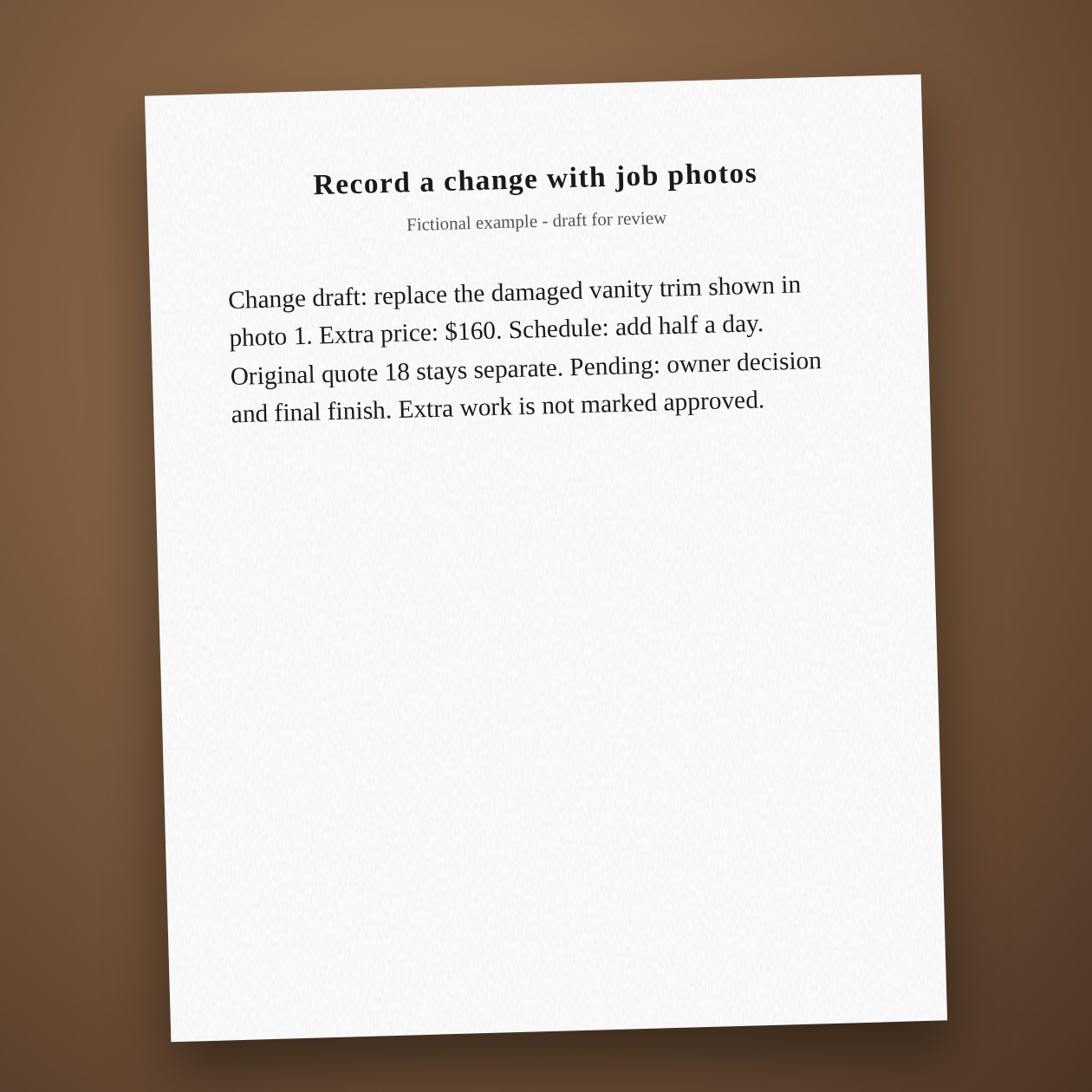
Fictional example.
Name the change precisely
Use the job number, room and photo label. Separate what the image shows from what you suspect is behind the wall. CrewBuddy puts your observations into a readable note. It should list unknowns rather than diagnosing moisture, structure or hidden damage from a picture.
Save the decision beside the record
Send the reviewed change through the process you already use. Save the response with the original estimate and the latest version. Docusign can carry your approved document for signature when configured; CrewBuddy does not decide what terms your business needs.
Connections: Google Drive, Docusign.
What you send
The original scope, labeled photos, your added price, and the expected schedule effect.
What CrewBuddy prepares
A change summary with the original work, proposed extra work, price, and unanswered questions.
What to keep in mind
Photos cannot establish hidden conditions or whether a contract change is legally sufficient.